







Windows 10 Update Will Completely Remove Adobe? Here’s the Truth
“Technology keeps evolving — and outdated software either adapts or disappears. Staying updated is no longer optional, it’s survival.”
Table Of Content
- Windows 10 Update Will Completely Remove Adobe? Here’s the Truth
- Why People Think Windows 10 Is Removing Adobe
- Which Adobe Apps Could Be Affected?
- Adobe Flash Player Is Already Dead
- Why Microsoft Is Pushing Compatibility Changes
- What Users Should Do Right Now
- 1. Update Your Adobe Applications
- 2. Backup Important Files
- 3. Remove Unsupported Adobe Programs
- 4. Keep Windows Updated
- Is Microsoft Forcing Users to Upgrade to Windows 11?
- Final Verdict
Microsoft users were recently shocked by rumors claiming that a new Windows 10 update would completely remove Adobe software from millions of PCs. Social media posts and online discussions quickly spread panic, especially among users who rely on Adobe apps for work, school, and creative projects.
But what is actually happening?
Why People Think Windows 10 Is Removing Adobe
The confusion started after several users reported issues with older Adobe applications after installing recent Windows 10 updates. Some programs experienced crashes, activation problems, or compatibility errors. As these reports spread online, many people assumed Microsoft was intentionally removing Adobe products from Windows devices.
In reality, the situation is more complicated.
Microsoft regularly updates Windows 10 to improve security, system stability, and performance. During these updates, older software that no longer meets security or compatibility standards can stop functioning correctly. This especially affects outdated versions of Adobe software that are no longer officially supported.
“Don’t fear the update. Fear using software that’s already been left behind.”
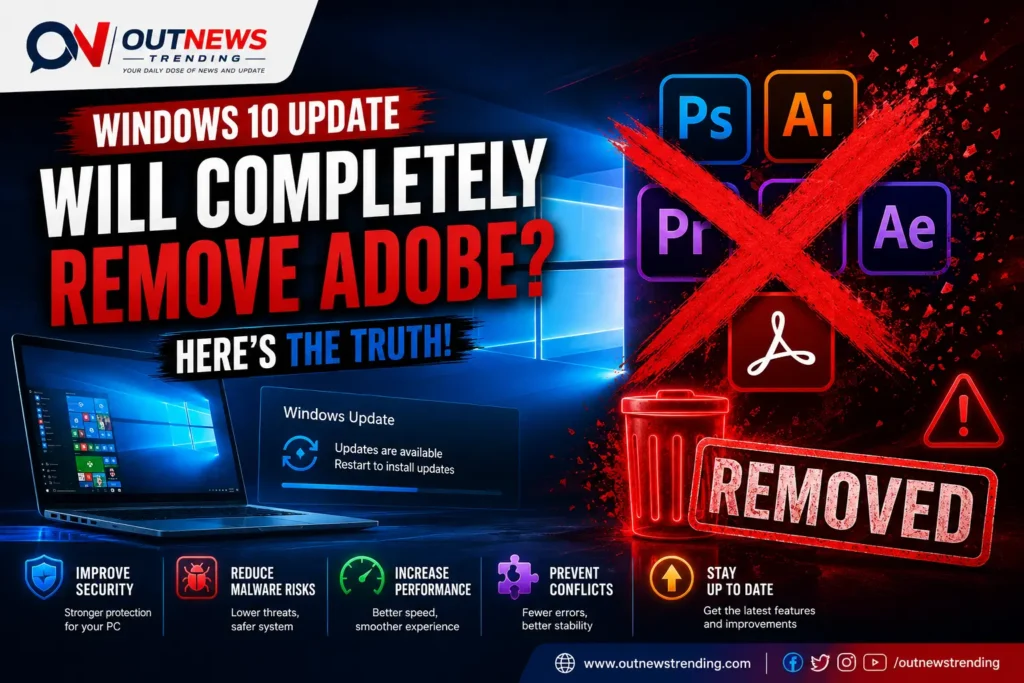
Which Adobe Apps Could Be Affected?
The main applications reportedly experiencing issues include:
- Older versions of Adobe Photoshop
- Adobe Premiere Pro legacy editions
- Adobe Acrobat outdated releases
- Adobe Flash Player components
- Unsupported Creative Suite products
It’s important to note that modern Adobe Creative Cloud applications generally continue to work normally on updated Windows 10 systems.
Adobe Flash Player Is Already Dead
One major source of confusion is Adobe Flash Player. Microsoft permanently removed Flash Player support from Windows years ago due to major security risks. Adobe itself officially ended Flash support in 2020.
Because of this, some users mistakenly believe Microsoft is now removing all Adobe software, when in fact only Flash and unsupported legacy components are affected.
“In the digital world, security and compatibility matter more than nostalgia.”
Why Microsoft Is Pushing Compatibility Changes
Cybersecurity has become a major concern for operating systems worldwide. Older software often contains vulnerabilities that hackers can exploit. By limiting outdated applications, Microsoft aims to:
- Improve Windows security
- Reduce malware risks
- Increase system performance
- Prevent software conflicts
- Encourage users to upgrade to supported versions
While frustrating for some users, these changes are usually designed to protect devices rather than harm them.
What Users Should Do Right Now
If you use Adobe software on Windows 10, here are several smart steps you should take:
1. Update Your Adobe Applications
Make sure you are using the latest version of Adobe Creative Cloud apps. Adobe frequently releases compatibility updates for Windows.
2. Backup Important Files
Before installing major Windows updates, always backup important project files and documents.
3. Remove Unsupported Adobe Programs
Older Creative Suite editions may no longer work properly. Consider upgrading if possible.
4. Keep Windows Updated
Avoid disabling Windows updates entirely, as this could expose your system to security threats.
“The real problem isn’t Windows removing Adobe — it’s users refusing to update.”
Is Microsoft Forcing Users to Upgrade to Windows 11?
Some tech analysts believe Microsoft’s aggressive update strategy is also encouraging users to move toward Windows 11 before Windows 10 reaches end-of-support in October 2025.
As support deadlines approach, compatibility issues with older software may become more common.
Final Verdict
No, Windows 10 is not completely removing Adobe software from computers. The reality is that outdated Adobe applications — especially unsupported or legacy versions — may experience compatibility problems after newer Windows updates.
Modern Adobe Creative Cloud apps remain fully supported in most cases.
Users should stay informed, keep software updated, and avoid relying on outdated applications that no longer receive security patches or official support.
For now, there is no evidence that Microsoft plans to ban or fully delete Adobe products from Windows 10 systems.



No Comment! Be the first one.